

Overview Link to this section
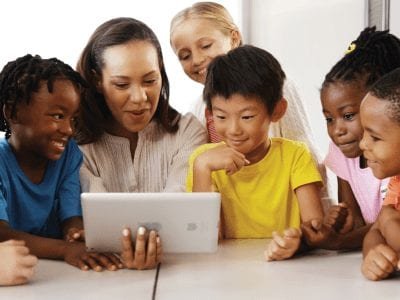
Transitional Kindergarten students are introduced to digital learning as an integrated part of the school day. While many TK students arrive having already experienced technology as a toy at home, most have not experienced its potential as a powerful learning tool, and they need to be explicitly taught how to use technology actively rather than passively, as creators rather than consumers. Digital learning integration can help students create, think critically, communicate, collaborate, and have ownership over their own learning. It is intended as a set of tools and mindsets, integrated into all content areas, that support students’ learning journeys, learner identities, and that enable their families to participate in their classroom learning.
When used strategically, technology can
- Engage students in deeper learning
- Empower students through agency, voice, identity and choice
- Enable students to access content in rich, multimodal ways
- Close access, achievement, and opportunity gaps
Priority Standards Link to this section
Our children are growing up in a world that increasingly relies on technology. Transitional kindergarteners have the opportunity to develop foundational skills that will enable them to navigate technology successfully and incorporate it as a balanced part of their lives.
These are the priority standards we focus on in TK
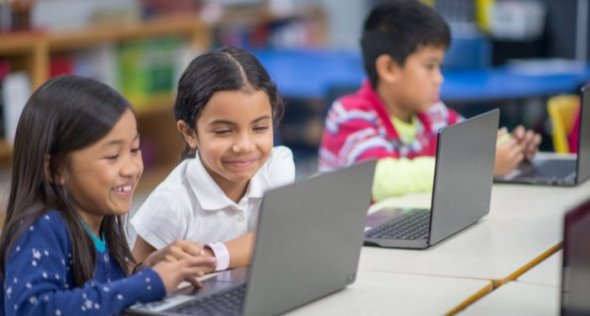
Students learn that technology can be a powerful tool for learning and creative expression in addition to entertainment and games.
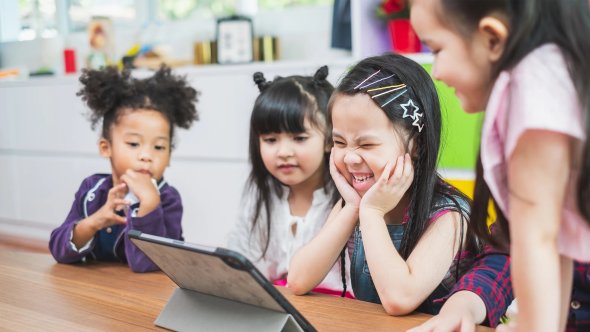
Students learn that technology can provide choices and help make their thinking visible.
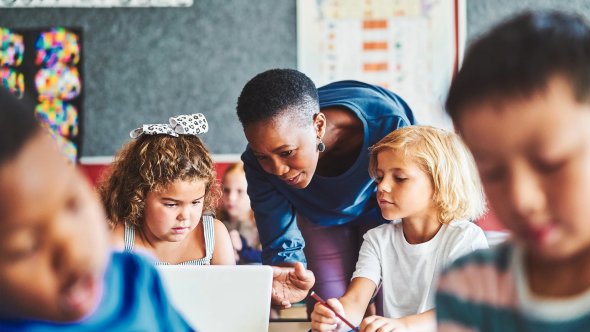
Students learn how to safely handle and use devices.
Core Tools
Link to this section
Seesaw
Seesaw is an easy-to-use tool for teachers and students in PK and TK classrooms. Teachers can use Seesaw as a place to document and organize classroom photos and student work or students can use the creativity tools for their own photos, videos, drawings and audio recordings.
Effective Uses of Seesaw:
- Teacher documentation of physical student work, drawings, voice recordings, videos
- Access Seesaw Activity Library pre-made activities to share with students
- Student centers: listening to books, music, recording voice, documenting center work, enrichment/extension activities
- Assessment of specific skills, e.g. counting, retelling a story, etc. (DRDP documentation)
- Additional at-home activities for use with families
- Automatic notification to parents of student daily work, after the student submits and teacher approves
- Additional family communication and announcements (with translation)
Other EED Approved Apps
All SFUSD Approved Apps: sfusd.edu/apps
Apps for Early Education (2022-2023):
- Seesaw
- RazKids
- MyOn
- Brainpop Jr
- Starfall
- PBS Kids
- ABC Ya
- Hoopla - ebooks, audiobooks
- Google (teacher-use)
(Used at Kinder - may not be appropriate for Early Education: Imagine Learning, Dreambox, Wonders)
Additional recommended apps for home use: https://www.commonsensemedia.org/app-lists
Reflection Questions Link to this section
- How are students' developmental needs, communities, and experiences being reflected and honored, or how could they be?
- What opportunities do you see for developing equitable access & demand, inquiry, collaboration, and assessment for learning?
- What are the implications for your own practice? What strengths can you build upon? What will you do first?
Want more?
Resources:
Developmentally Appropriate Use of Technology in Early Childhood Education
Contact: Stephen Kesel, Digital Learning Program Administrator, kesels@sfusd.edu
This page was last updated on May 26, 2023