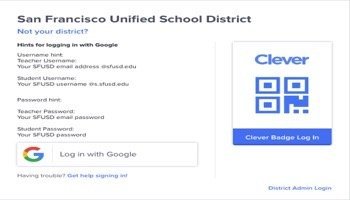
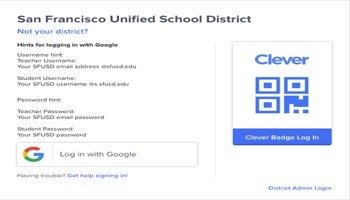
Resources K-1 Distance Learning Link to this section Clever Zoom Google Meet in Google Classroom Google Classroom Sumo Paint Jamboard Canvas draw Nearpod Sounttrap Calendar Email Speedtest utility video - how to join a Google Classroom Resources K-1 Link to this section Starfall (licensed) Starfall (free) Lexia Core5 Reading Myon Reading Freckle ELA and Math IXL ELA and Math Brainpop Jr Brainpop ESL iChinese Reader Seesaw Nearpod interactive lessons Flocabulary Learn vocabulary with rap! Peep Big Wide World Sumo Paint 2.0 ABCYA Codespark Play Code.org Go Noodle Prowise Quizlet Live Lau Dance Scholastic News for Grades K-1 Link to this section Scholastic News K Scholastic News 1st view more Science Spin view more Resources K-1 Link to this section Login Clever add @s.sfusd.edu video: How to Log into Clever without using Badges Tech Support Email LAUSUPPORT@SFUSD.EDU add @s.sfusd.edu Families need tech support? Families with questions or issues can access the Family Resource Link in three ways: Email familylink@sfusd.edu Submit a support ticket at https://familylink.sfusd.edu Call 415-340-1716. Phones are open Monday through Friday from 9:00 am to 1:00 pm. Callers can leave a voicemail at all hours and a team member will follow up. Multiple-language support is available. https://familylink.sfusd.edu Families need tech support? More Technology Support Link to this section Fall 2020 Technology Request Form This page was last updated on June 3, 2021